Users and access
Invite people and set what they can see
Org admin · Manage users
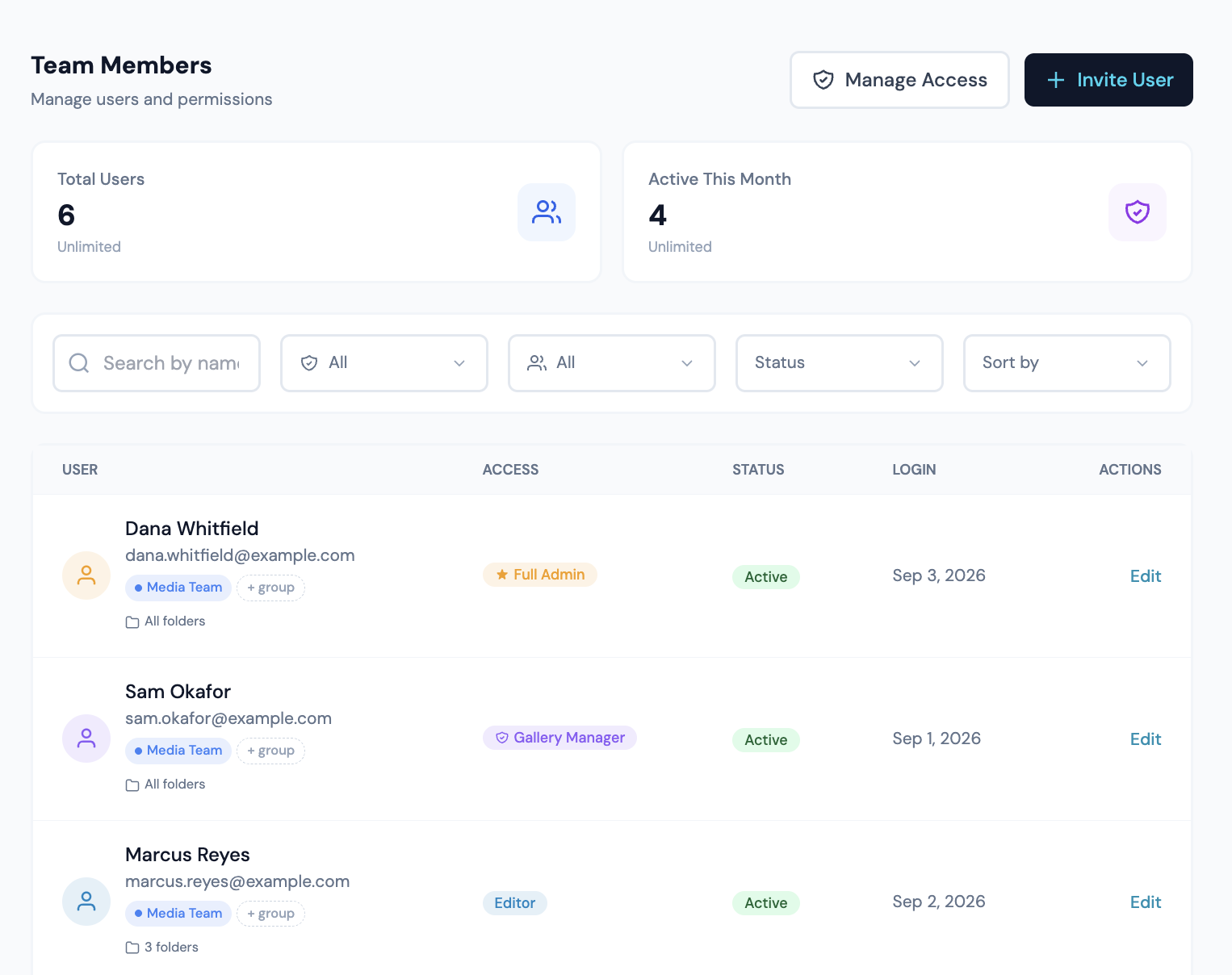
Inviting someone
- 1Open Users. The Invite User button appears only if your role grants can_add_users.
- 2Enter their email. A signup link goes to that address.
- 3Pick a role. It sets which capabilities they start with.
- 4Send the invite. They create a password from the link.
- 5Once they accept, open their detail panel and grant folder access.
Three buttons here are gated: Invite User needs can_add_users, Manage Roles needs can_create_roles, and Deactivate User needs can_delete_users. Admins bypass all three.
Editing someone
Click any row to open the detail panel. Toggles and the role dropdown save on change. Display Name shows inline Save and Cancel once you start typing. Changing the role applies that role's template to the toggles below it, and the toggles refresh from the server right after the save.
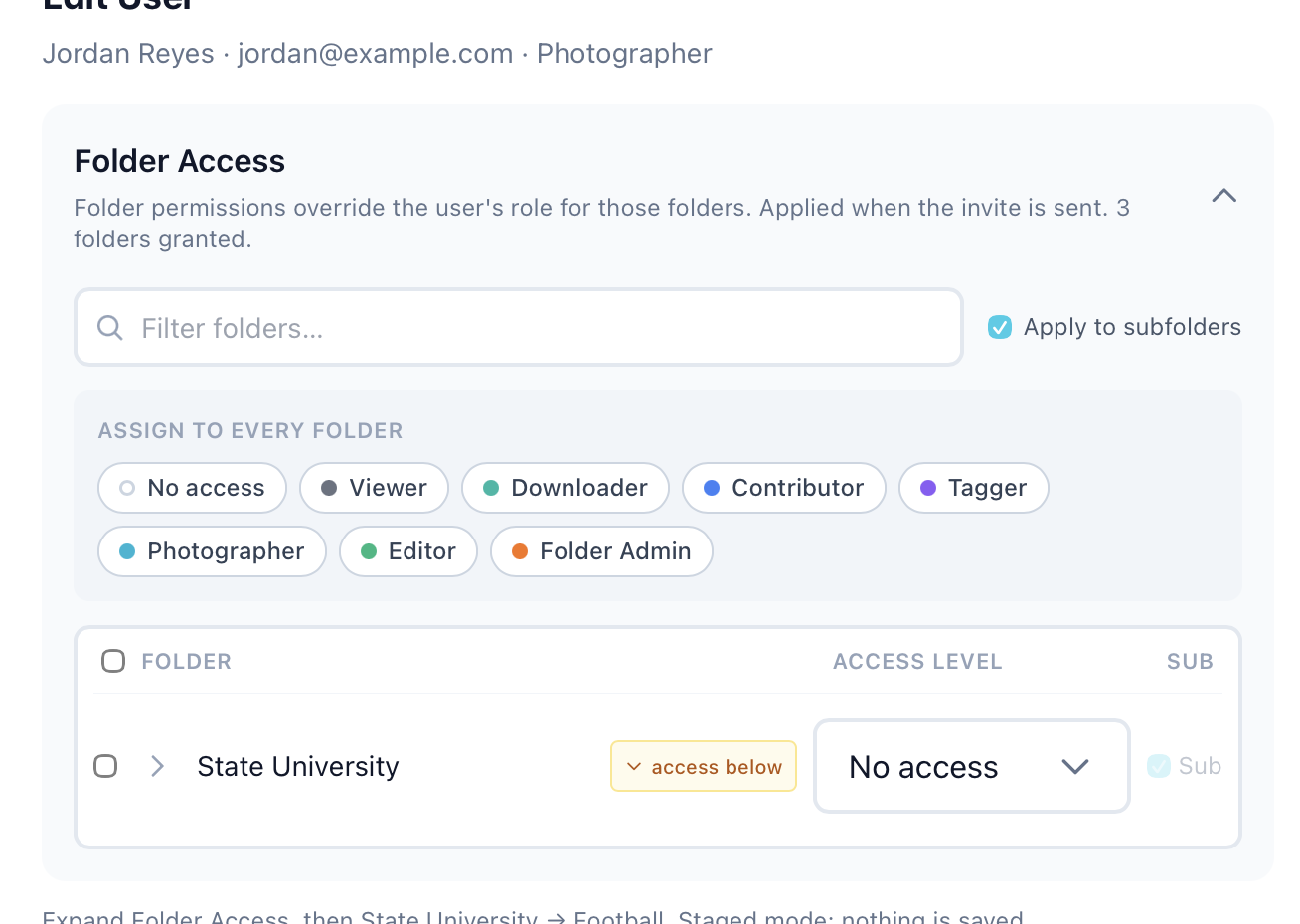
Folder Access
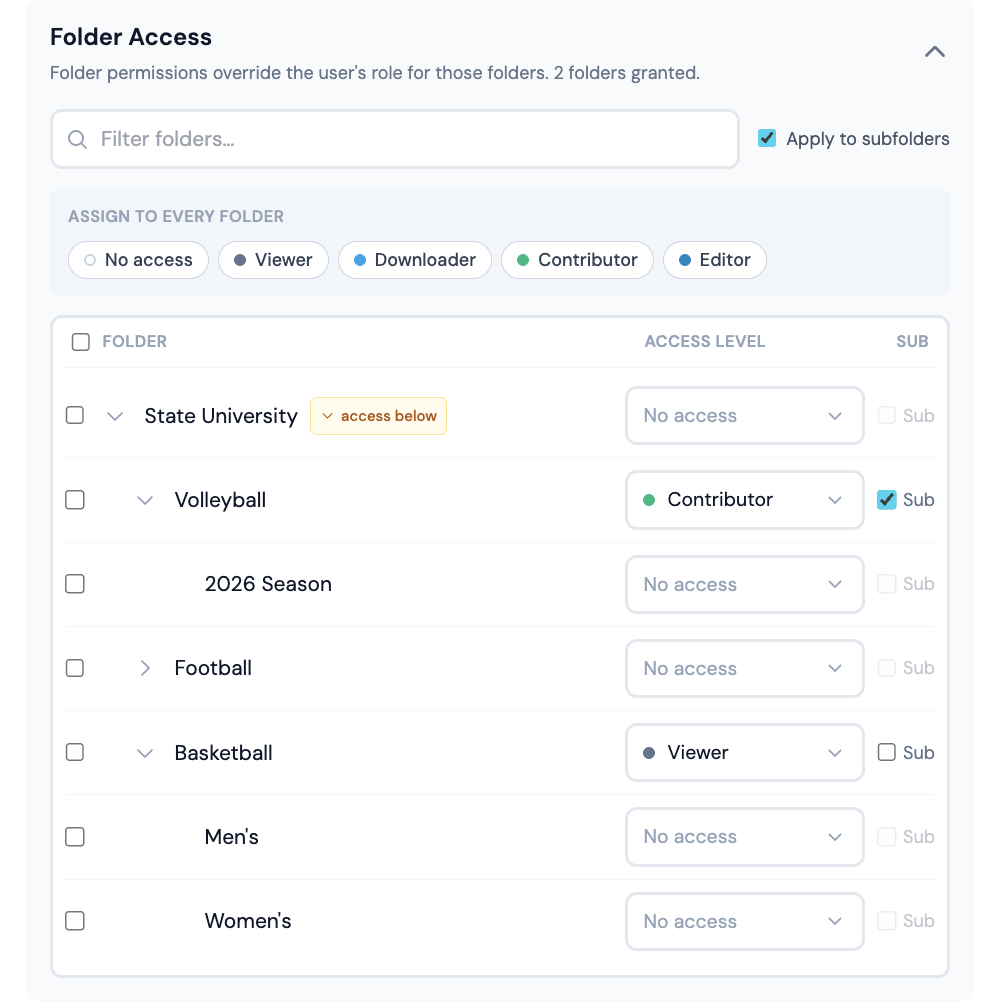
This is the section that decides what a person can actually reach. A per-folder grant beats the user's role: an Editor with no grants sees nothing, and a Viewer with a Contributor grant on one folder can upload to that folder.
- 1
Expand the section
Root folders load first. Click the chevron next to a folder to reveal its children. - 2
Pick a role per folder
The dropdown lists user-tier roles only. Selecting one writes the grant and applies that role's capabilities to the folder. - 3
Apply to subfolders
The Sub checkbox carries the grant down to each folder below. Those rows read Inherited · Role with a small “from Folder” pill, and have no grant of their own. - 4
Override lower down
Pick a role on any folder under a Sub grant. From that folder down, the new role replaces the inherited one, whether it is narrower or wider. The nearest grant above a folder is the one that counts. A grant without Sub applies to that one folder; its children look further up. - 5
Block a subtree
Choose No access (block below here) on a folder under a Sub grant. That folder loses the inherited access, and so do its children when Sub is on for the block. - 6
Remove a grant
Choose Inherited, or No access on a folder with nothing above it. The row’s own grant is deleted.
A group’s folder grants resolve the same way on their own, then combine with the person’s direct grants. A direct No access does not remove access a group gives, and a group cannot take away a direct grant.
Galleries inherit folder grants by default. To override that for one gallery, open its Settings, expand Permissions, and add a direct grant. The gallery's "Inherit folder permissions" toggle controls whether folder grants apply at all.
Someone can open a gallery but not approve or reject matches? Their grant on that folder does not include edit_tags. Change the folder's role to Tagger, Photographer, Editor or Folder Admin. The account type on the Users list ("viewer" for any non-admin account) is not what decides this.