Galleries and photos
Find a gallery in the gallery list
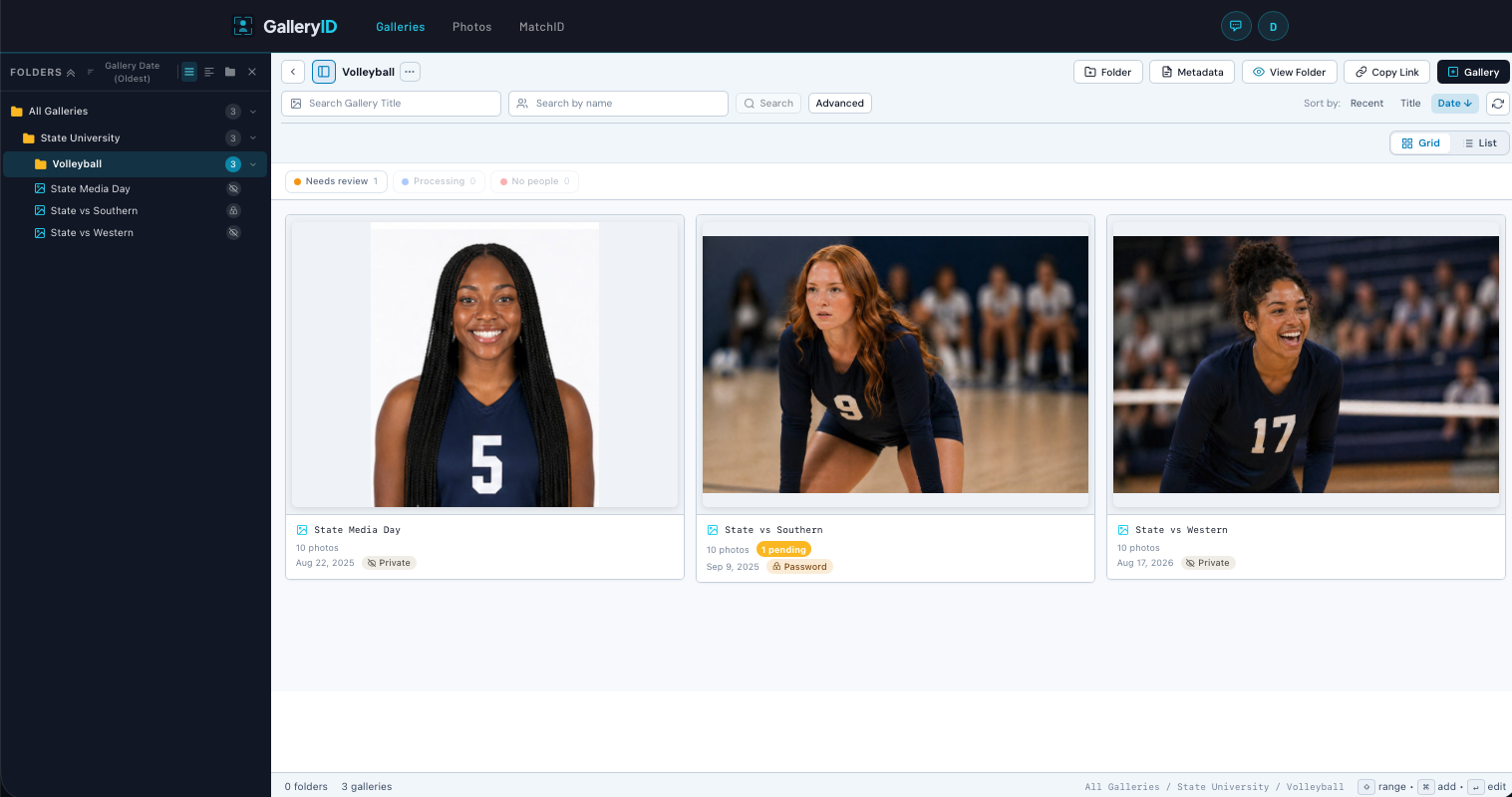
One list of each gallery in the organization, built for changing a setting without opening the gallery.
Creating galleries
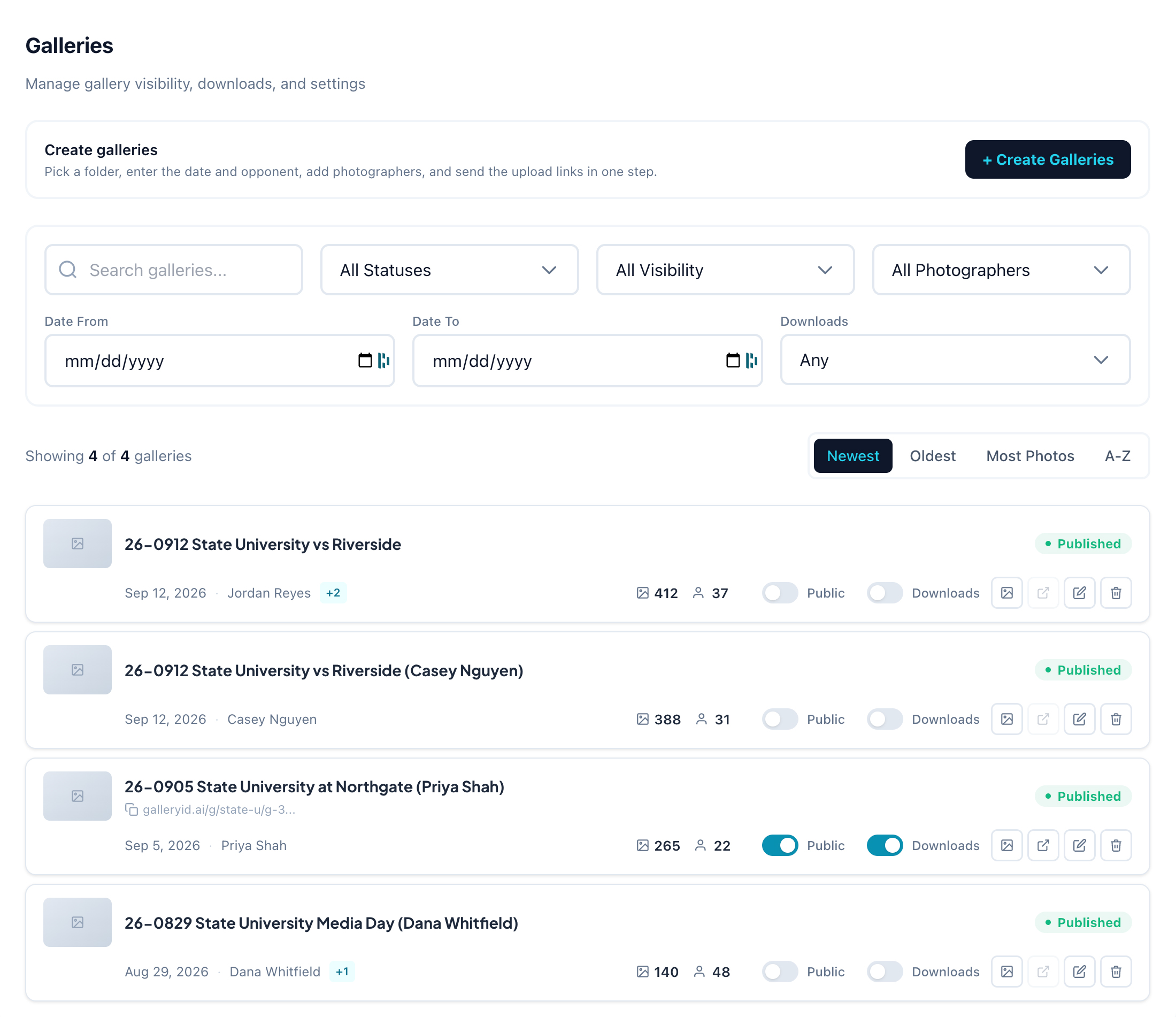
The Create Galleries card above the list opens a panel that makes one gallery, or one per photographer for a game, and emails each photographer an upload link. It has its own guide: Create galleries for a game and send upload links.
On a row, the name after the date is the photographer of record. A small+2after it counts additional photographers who can upload to that gallery.
Finding a gallery
- •Search runs shortly after you stop typing and returns you to page one.
- •Filter by photos (Has Photos, Empty), visibility (Public, Private), whether a public gallery is listed (Listed, Link only), photographer, a date range, and whether public downloads are on. Empty finds galleries nobody has uploaded to yet.
- •Sort by Newest, Oldest, Most Photos or A-Z. Newest is the default.
- •Pages hold 50 galleries. The "Showing X of Y" line compares the current page against the filtered total, not against each gallery in the org.
The switches
Public, Listed, Public downloads, and (with AthleteID enabled) AthleteID sit on each row. They save the moment you click, with no confirmation and no save button.
Listed only works on a public gallery. On, the gallery shows on your organization's gallery page and search engines can find it. Off, it's link only: anyone with the URL can still open it, but it isn't on that page or in search.
Public downloads lets anyone who opens a public or password gallery download its photos. Admins and people with download access can always download, whether it's on or off.
The public link
A copyable link appears under the title only when the gallery is public. The displayed link is shortened; the full URL is what gets copied. If a gallery has no link and the view button is greyed out, it is not public.
Deleting
Delete asks once, tells you how many photos go with it, and cannot be undone.