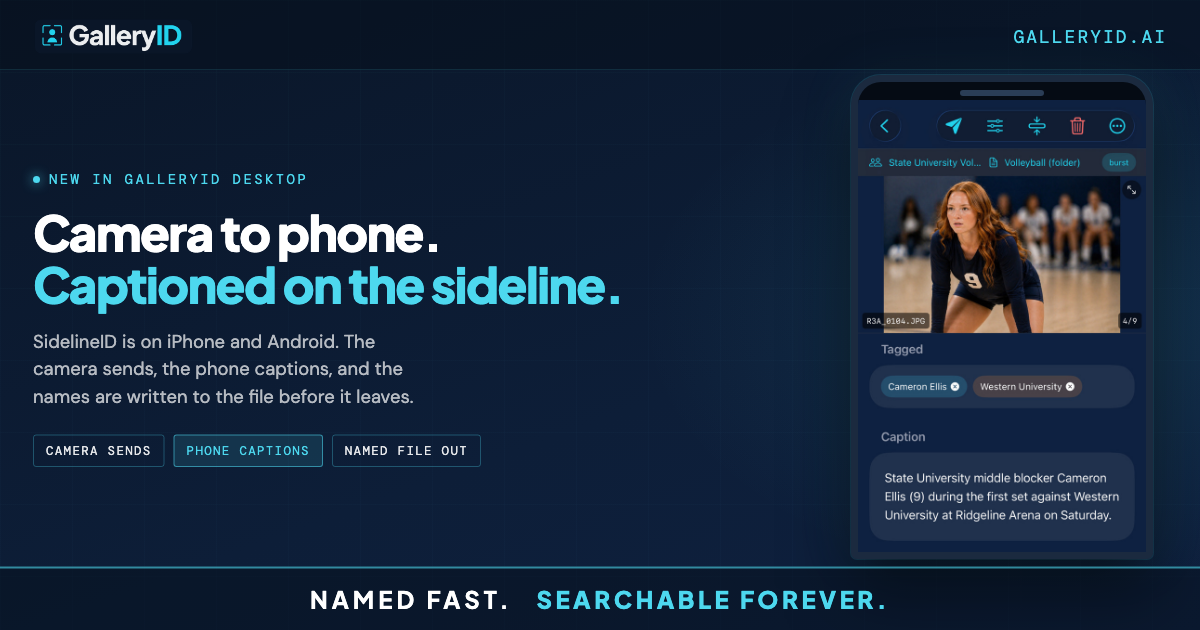
Three Ways to Caption Sports Photos in GalleryID Desktop
You get back from the game with a folder full of frames, and the caption field is still blank on every one of them. Typing player names one at a time is the part of the job nobody pays for, and it doesn't get faster just because you've done it a hundred times.
GalleryID Desktop gives you three separate ways to caption sports photos, and none of them force the other two on you. Run MatchID and review the matches it finds, or skip straight to shortcodes typed from a bound roster. When one frame stumps you, a single button handles just that one photo instead of a full pass. Which path you reach for depends on the game in front of you.
Run MatchID First to Caption Sports Photos Fast
When you've already indexed headshots for a roster, MatchID is the quickest way in. It runs facial recognition against those headshots, groups matches into confidence tiers, and holds anything below your threshold in a review queue instead of guessing at it. You work through what's flagged, confirm or correct it, and the approved matches write the name and caption line on their own.
This is the path for a full gallery where most faces read clean and you'd rather review a stack of matches than type each one by hand. GalleryID Desktop runs the whole pass locally, on your own Mac or PC, so nothing leaves your machine while it works and nothing sits on a server waiting for a connection.
It pays off most on rosters you indexed before the season started, when the headshot work is already behind you and this pass is just confirmation. The review is the only manual step left. Everything that clears your confidence threshold writes on its own.
Caption Straight From the Roster
Skip MatchID entirely and caption sports photos straight from a bound roster instead. Type a player's shortcode, pick them from a dropdown, or tap a single preset button, and CaptionID writes the short name into the name field while the long form drops into the caption line in the same motion. A common code covers the game text that doesn't change from frame to frame, so you're rarely typing more than a few characters per photo. None of it is AI-generated, it's the exact text you already set up for that athlete.
This is the path when you know the roster cold, you're working solo, or you'd rather not spend a pass on facial recognition at all. Set the caption template once and every assignment after just needs the roster bound to the folder before you start.
It's also the path with the least setup. No headshots to index, no review queue to work through, just the roster and whichever input you reach for doing the job.
Captioning a gallery with shortcodes and the roster dropdown, in real time.
Where GalleryID Desktop Fits: Caption Sports Photos, Then Deliver
The two paths above cover most of a gallery. For the rest, there's Who Is This. You're still working from shortcodes, still in the roster flow, but when a jersey number's covered or a face you don't recognize crosses your frame, tap it and Desktop runs a one-off match against your indexed headshots for that single photo instead of a full facial recognition pass. Confirm it, and CaptionID writes the name the same way it would from a shortcode.
None of this asks you to leave the tools you already trust. Your Photo Mechanic code replacement values keep working inside Desktop, built over however many seasons you've been refining them, so captioning can move over without you rebuilding anything. Crop and tone live in the same app too, enough to absorb some of the lighter edits you'd otherwise open Lightroom for.
Delivery goes out over FTP or as a ZIP export, with names already written to IPTC and EXIF. The same fields can feed the filename if your delivery spec wants the athlete there as well.
Pick the Path, Not a Fixed Workflow
Index headshots when you've got them and let MatchID carry the bulk of a gallery. Skip straight to the roster when you don't have them yet. Reach for Who Is This on the one frame that stumps you either way. GalleryID Desktop doesn't care which path you use to caption sports photos game to game, and neither does the caption field it writes into. Stop typing. Start delivering.
Frequently Asked Questions
What are the three ways to caption sports photos in GalleryID Desktop?
Run MatchID and review the matches it finds against your indexed headshots. Caption straight from a bound roster using a shortcode, a dropdown, or a preset button. Or tap Who Is This to run a one-off match on a single frame you can't place. Pick whichever fits the gallery in front of you.
Do I need headshots indexed to caption sports photos from the roster?
No. CaptionID writes from the roster you bind to the folder, whether that's a shortcode, a dropdown selection, or a preset button. None of that is AI-generated, it's the exact text you set up once for each athlete. Headshots come into play for MatchID and for Who Is This, not for the roster path itself.
What does the Who Is This button do?
It runs a one-off match on a single frame instead of a full facial recognition pass. Tap it when a jersey number's covered or you don't recognize the athlete, and Desktop checks that one photo against your indexed headshots so you can confirm and move on.
Will GalleryID Desktop replace Photo Mechanic and Lightroom?
It doesn't have to. Your existing Photo Mechanic code replacement values keep working inside Desktop, so captioning can move over without you rebuilding anything. Crop and tone live in the app too, which covers some of the lighter edits photographers usually reach for Lightroom to do.
How does the review queue keep MatchID and Who Is This accurate?
Every match from MatchID or Who Is This carries a confidence score, and only matches at or above your threshold write on their own. Anything below that threshold waits in a review queue instead of guessing, so you confirm or correct it before it becomes part of the file. Captioning straight from the roster doesn't go through any of this, since you're choosing the name yourself. Helmets and low-visibility frames are the most common reason a match lands in the queue.