A Sports Photography Filename Convention Worth Keeping
A gallery's filename pattern is the second thing a client notices after the photo quality. The photographer who delivers 26-0404-Football-Cole_Mason-ADS.jpg instead of DSC_0001.jpg becomes the one they call back. The pattern is small. The compounding effect across a season of galleries is not.
A consistent sports photography filename convention echoes into Lightroom, Photo Mechanic, FTP delivery, wire submissions, and client archive search. Drift on any of those and a coach searching for a player six months later finds nothing.
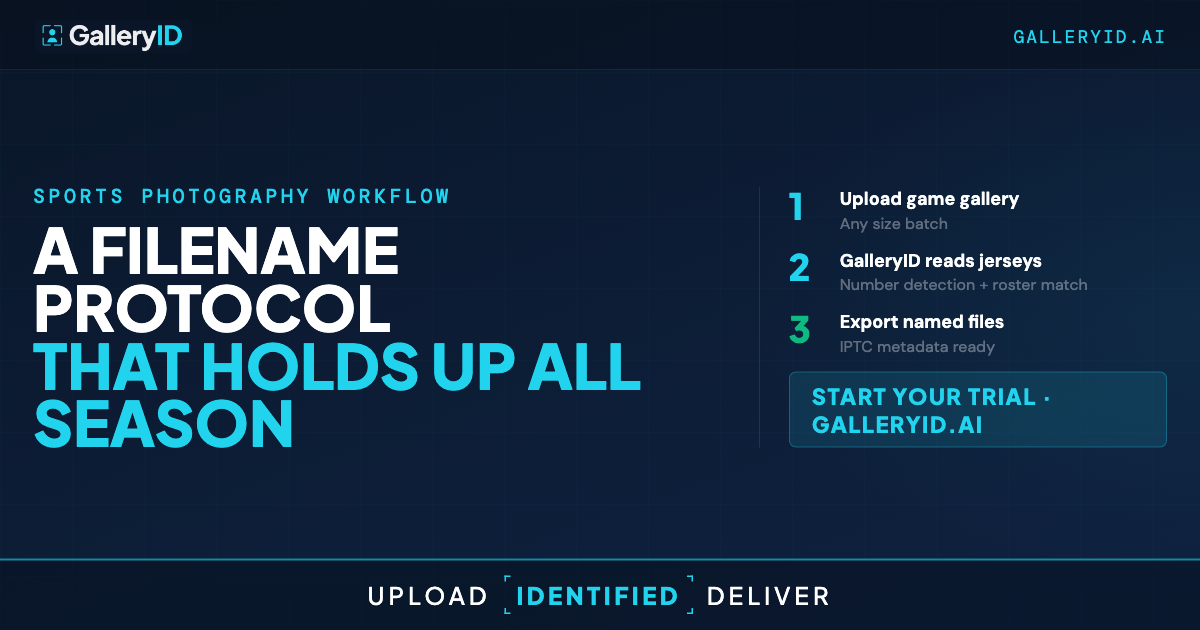
GalleryID's filename system is token-based. Set a pattern once at the organization level, override it per gallery when a client needs something specific, and let the system construct the filenames at upload. Here's how the pieces fit together.
Why Hand-Typed Filenames Drift Across a Season
Typing filenames at the end of a long photograph day produces inconsistency. Capitalization slips. Dashes turn into underscores. Last name turns into first-initial-plus-last. Date format goes from `2026-04-04` to `4-4-26` between galleries. By the thirtieth gallery of the season, you have three conventions running in parallel inside the same shared folder.
The downstream cost is real. Lightroom and Photo Mechanic sort alphabetically, so inconsistent names cluster wrong. Wire services and athletic communications staff search by player name and lose hits when capitalization or hyphens don't match. Multi-photographer teams produce three different conventions in one shared archive without realizing it. None of these break the photo. All of them break the workflow downstream of it.
The convention itself isn't the hard part. Holding the convention across hundreds of photos, dozens of galleries, and multiple contributors is the part that breaks. A template solves that. The system fills in each filename from the template instead of you typing it.
The Token System — 14 Building Blocks for Your Protocol
Tokens wrap in curly braces. Between tokens, you type whatever literal characters you want as separators — dashes, underscores, dots, spaces. That's how you build the pattern.
Group the tokens by what they answer. When the photo was taken: {DATE:YY-MMDD} and {TIME:HHmmss} with multiple format options. Where it lives in your organization: {GALLERY}, {FOLDER}, {SUBFOLDER}. Galleries usually nest by sport, so the folder token carries sport context naturally without needing a sport-specific code.
Who's in the photo: {PERSONS} pulls the athlete names MatchID approved on each file. Who took the photo: {PHOTOGRAPHER} for the full name, {PHOTOG_INITIALS} for a tighter form (initials map by org or auto-derive from the name). What the photo is: {EVENT} and {TITLE} pull from XMP if you tag pre-upload. Your own labels: {CUSTOM} for per-gallery identifiers, {ORG_TOKEN} for an organization-wide one. Counters: {SEQ:001} for padded numerics, {ALPHA:A} for letter sequences.
A worked example. The pattern {DATE:YY-MMDD}-{FOLDER}-{PERSONS}-{PHOTOG_INITIALS} resolves to 26-0404-Football-Cole_Mason-ADS.jpg. Clear, sortable, no manual typing. The pattern works whether the file lands in Photo Mechanic, Lightroom, or Capture One.
A clear position on order: lead with {DATE} so archives sort chronologically, then folder for sport context, then athletes, then photographer initials. Adjust if your archive is event-first rather than date-first. The system doesn't dictate order. It just fills in whatever pattern you set.
Customize Per Client Without Losing the House Style
The org-level default is your house style. Set it once. Every new gallery inherits it. That's how a multi-photographer team stays consistent without anyone re-checking conventions.
Each gallery can override the default. Useful when a specific athletic department wants their own convention for wire submissions, when a one-off tournament needs an event code in the filename, or when a multi-photographer assignment needs {PHOTOG_INITIALS} written into each file so credit travels with the work. The override is at the gallery level — you don't have to touch the org default to handle a one-time client request.
Two settings make the same pattern read well across very different photos. Space-replacement picks how spaces inside resolved values render — underscore, hyphen, or kept as space. Persons-formatting handles team shots: name separator, person separator (+, -, &, or space), a cap on how many names appear, and an optional +N overflow count. A portrait might end up 26-0404-Football-Cole_Mason-ADS.jpg. A team huddle with the same template lands as 26-0404-Football-Cole_Mason+Tyler_Reed+Marcus_Hill+5-ADS.jpg. Same template, sensible result either way.
The athlete's name also lives in the file's XMP metadata, so even if a client renames the file on their end, the name travels with the image. For galleries that shipped before you set the template up, you can batch-rename them after the fact using the same token vocabulary.
A Protocol Your Future-Self Thanks You For
A quick recap. Pick the token order once at the org level. Let the system construct each filename on upload. Let it re-fill athlete names after MatchID approves them. Override the default per gallery when a client needs something specific. Lean on XMP so names survive client renames. The whole protocol is small to set up. The payoff is months of consistent filenames across galleries, wire submissions, and client archives.
If you haven't already done the pre-season roster setup, that's the upstream piece — {PERSONS} only fills in cleanly when the roster is indexed and MatchID has reliable headshots to match against. The template is the back end of that work.
Your post-game workflow just got shorter.
Frequently Asked Questions
What tokens does GalleryID's filename system support?
Fourteen total. Parameterized tokens (date, time, sequence number, letter sequence) take a format argument. Simple tokens cover gallery title, folder, subfolder, athlete names (via PERSONS), photographer name and initials, XMP event and title, plus two custom labels (CUSTOM per-gallery and ORG_TOKEN org-wide). You type any separator you want between tokens.
When do filenames get applied — at upload or at download?
At upload, immediately, for everything that doesn't require face recognition. Then again after MatchID completes so the PERSONS token fills in with approved athlete names. The file's display name updates automatically — there's no manual rename step.
Can I use different patterns for different clients?
Yes. The org-level default applies to each new gallery. Any gallery can override the default with its own pattern. Useful for client-specific conventions, wire-service requirements, or one-off events that need a special label.
How does the system handle group photos with multiple athletes?
The PERSONS token has multi-person formatting settings. Pick a separator between people (+, -, &, or space), pick how names within each person are joined (typically underscore), cap how many names appear in the filename, and optionally append +N to show how many more athletes were in the frame. A team huddle with eight identified athletes can land as Cole_Mason+Tyler_Reed+Marcus_Hill+5 instead of one impossibly long filename.
Do the filenames work with Photo Mechanic and Lightroom?
Yes. The patterns produce standard alphanumeric filenames with user-defined separators. Both Photo Mechanic and Lightroom sort and ingest them without special handling. The XMP metadata (PersonInImage field) is also written, so the athlete's name travels with the file inside your editing software even if someone renames the file later.