Embed Athlete Names in Your Sports Photos with XMP
You spent hours tagging a gallery inside your delivery platform. Photo by photo, you matched athletes to faces and typed names into the interface. Then the client downloaded the files. Opened them in Photo Mechanic. The names were gone.
Platform-only tagging doesn't survive the download. XMP metadata embedding fixes this. When GalleryID processes a gallery, athlete names get written into the file's IPTC PersonInImage field. The tag isn't a database entry. It's part of the photo. Clients, comms staff, and downstream tools see the name the moment the file opens. That's the difference between tagging that sticks and tagging that gets done twice.
What XMP Metadata Embedding Does to a Sports Photo
XMP (Extensible Metadata Platform) is a file format standard that stores information inside the image file. When you embed metadata, you're writing data directly into the file's header. Open that file on any machine, in any software that reads IPTC and XMP fields, and the data is there.
For sports photographers, the field that matters most is IPTC PersonInImage. This is where athlete names live after XMP metadata embedding. Photo Mechanic reads it. Lightroom reads it. Capture One and Photoshop read it. The metadata is part of the photo, not a separate database that has to be queried.
Compare that to platform-only tagging. Upload photos to a gallery service, tag each athlete inside the web interface, and those tags exist only in the platform's database. Download the file? The tags stay behind. The cost of re-tagging compounds fast when names disappear at each handoff.
Why Sports Photo Workflows Break Without Embedded Names
A photographer's workflow doesn't end at the gallery delivery. The client downloads. Comms pulls files into a different editor for the next morning's social posts. Development or marketing exports them into a graphic. A media partner imports them into a CMS for game coverage. Each step happens in a different tool.
If athlete names live only inside one gallery platform, each client starts from zero. The media editor doesn't know who's in frame. Booster club volunteers cross-reference jersey numbers against a printed roster. The athletic department's comms team re-types names for social captions.
With XMP metadata embedding, the names ride along with the file at each handoff. No platform login. No re-tagging. The athlete identification you approved in GalleryID shows up wherever the photo lands next. This matters most for freelancers juggling multiple clients on different software. Staff photographers at one school can standardize on a single tool. Freelancers can't force their clients onto the same one.
How GalleryID Embeds Names Into Your Sports Photos
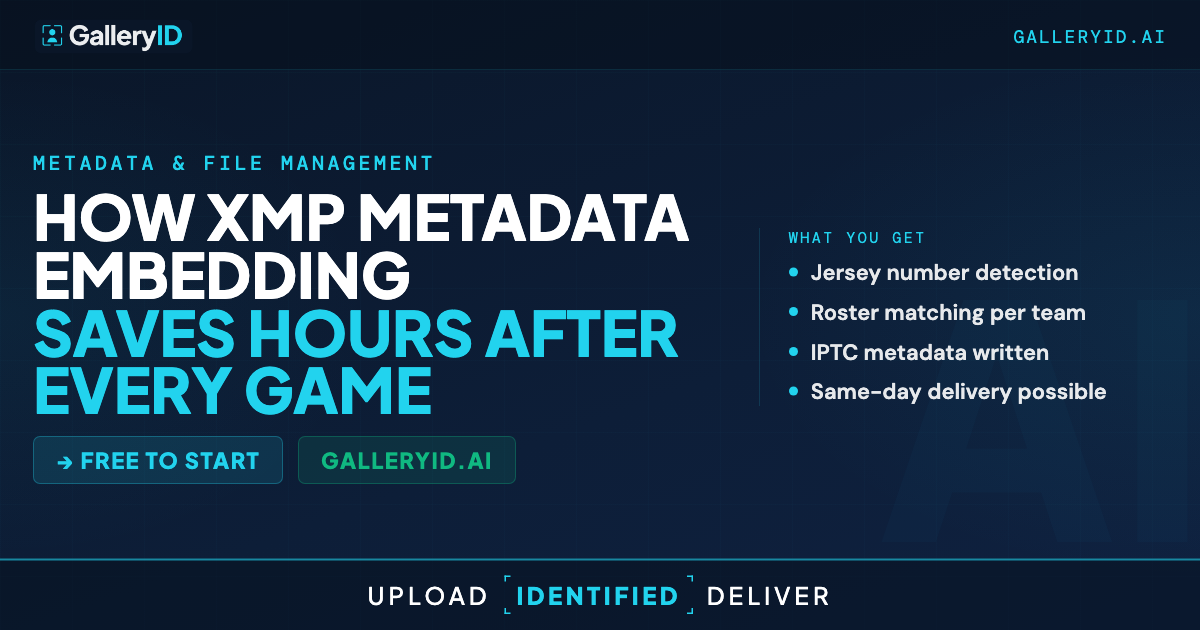
The GalleryID workflow handles XMP metadata embedding as part of the standard export process. Upload your gallery. The AI runs face recognition against the roster headshots you uploaded, narrowed by jersey color when both teams' rosters are in the gallery. Confidence scoring produces match suggestions: Very High, Probable, and Possible.
Review the matches. Approve the ones that look right, reject false positives. When you download the approved photos, GalleryID writes each athlete's name into the IPTC PersonInImage field before the file lands on your machine. Import those files into Photo Mechanic and the names appear automatically. Push them through FTP to a wire service and the tags ride along. Hand them off to the athletic department's comms team and the names are in the metadata panel.
You don't manually tag inside a gallery platform. You don't export a spreadsheet and match it later. The AI does the identification, you confirm, and the names end up in the files.
Put Names in the Files, Not Just the Platform
Next time you deliver a gallery, ask yourself one question. If the client downloads these photos and opens them in Photo Mechanic tomorrow, will the athlete names be there? If the answer is no, you're doing extra work that doesn't stick. GalleryID gives you a way to make tagging permanent. Upload your gallery, let MatchID identify athletes, review the matches, and download files with names already in the metadata. Stop tagging. Start delivering.
Frequently Asked Questions
Does XMP metadata embedding work with Photo Mechanic Plus for importing tagged sports photos?
Yes. The IPTC PersonInImage field is populated when you download tagged photos from GalleryID. Photo Mechanic Plus reads it natively, so athlete names appear on import. No additional scripts or matching processes needed.
How does GalleryID handle XMP metadata for helmet sports where faces aren't visible?
Face recognition is honest about its limits. Football helmets, hockey gear, and lacrosse facemasks reduce face match probability when the face is obscured. You still get good results on sideline frames, helmet-off moments, and any shot where the face is visible. For action frames where helmets cover the face, those go into the confidence-flagged review queue for the photographer to confirm. Jersey color helps narrow the candidate roster to the correct team when both teams are uploaded.
Can I import XMP-tagged sports photos into Lightroom and Capture One?
Yes. Both applications read the IPTC PersonInImage field GalleryID writes during export. Athlete names are available in the metadata panel after import. Works for Lightroom Classic, Lightroom CC, and Capture One Pro.
What happens to embedded XMP metadata when photos go through FTP or external delivery?
The metadata travels with the file. Wire services and conference media partners receive files with names already in the IPTC fields, which speeds up their internal captioning workflow. FTP delivery preserves all embedded metadata.
How do I try XMP metadata embedding before paying?
GalleryID offers a 14-day free trial of the paid plans, no credit card required. The trial gives you the full AI workflow including XMP metadata embedding, so you can test how athlete names land in your files before committing. All paid plans include the full feature set without per-feature upsells.