What to Use After Photo Mechanic Plus
On March 2, 2026, Camera Bits announced that Photo Mechanic Plus is no longer available for purchase. In their words, the catalog feature relies on "a 3rd-party technology that is now unsupported," and "due to constant changes in the operating system environment, this technology is no longer stable."
They've been straightforward about what happens next. Support continues "for as long as it remains stable on your current operating system," subscriptions won't cancel themselves, and they've said they'll keep investigating whether catalog databases can be migrated into other systems. If you're a Plus user, that last one is worth watching before you decide anything.
Read that last clause again, because it's the whole problem. Standard Photo Mechanic is unaffected and still being developed. Plus is the one that got shelved, and Plus is the one that held the catalog.
The Wall Is the Next OS Update
Here's the part that catches people. A shelved application doesn't stop working the day it's shelved, so nothing feels urgent right now. But read the support commitment again: it's tied to your current operating system. macOS ships a major version each year, Camera Bits has been warning that older versions won't be supported forever, and Windows moves too. That makes the useful life of the software depend on a date you don't set. There's precedent worth knowing: when Apple dropped 32-bit support in macOS Catalina, applications that hadn't been rebuilt simply stopped launching. Nothing warned anyone the morning it happened.
This is where the word perpetual earns a second look, and you don't have to take my word for what it covers, because Camera Bits documents it plainly: a perpetual license is "a one-time purchase that will continue to function as long as you maintain the hardware and operating system that was current at the time of your purchase," and it comes with a one-year window of free feature updates. Plus was sold on those terms as well as by subscription.
Read that carefully and perpetual turns out to be narrower than it sounds. It's perpetual for the machine you owned the day you bought it. It isn't perpetual for the Mac you'll own after the next upgrade, or for the camera you buy next season whose RAW files that build has never seen.
Let's be fair about the money, because that isn't the complaint. Buying 5 a decade ago, moving to 6, then to Plus, and getting a decade of daily work out of it is a good deal by any measure. Plenty of software costs more and lasts less. The problem isn't the price. It's the word.
Paying again on someone else's schedule is a subscription, whatever the invoice calls it. The difference is that a subscription tells you that upfront and perpetual doesn't. What "perpetual" really bought was the feeling that this day wasn't coming, and that feeling is the part that turned out not to be true.
If you're on a shelved product with no update path, you're not choosing whether to migrate. You're choosing whether to do it calmly now or under pressure later, on a night when you needed the archive.
The Part Nobody Lost
Now the good news, and it's bigger than it first sounds. The captions you typed, the keywords, the names you attached with a code replacement file: all of it went into IPTC and XMP fields inside the photographs. Not only into a database. Inside the files, on your drives, right now.
So the catalog died and the work didn't. That's worth sitting with for a second, because it's the argument for a whole way of working. Cancel the software, open the photos, and they still know who's in them. Any tool that reads standard metadata can pick that archive up, which is exactly what makes the next step small instead of catastrophic.
It also tells you what to look for in whatever you move to. If the names live in the product rather than the file, you've signed up for this same morning again.
Where the Archive Goes Next
GalleryID Desktop includes a catalog of its own, called the Catalog. Point it at the same drives and it indexes them into an offline archive you can browse and search by name, keyword or filename with the drives unplugged. It reads the metadata that's already in your files, so the tagging you did over the past decade is searchable the day you finish indexing. There's no export step and no migration tool, because there's nothing to convert.
Removing something from the Catalog never touches the source file. Exports carry people, keywords and capture date embedded in HD previews or originals. Companion apps for iPhone and Android put the archive in your pocket, synced over your own wifi, with nothing going to a server.
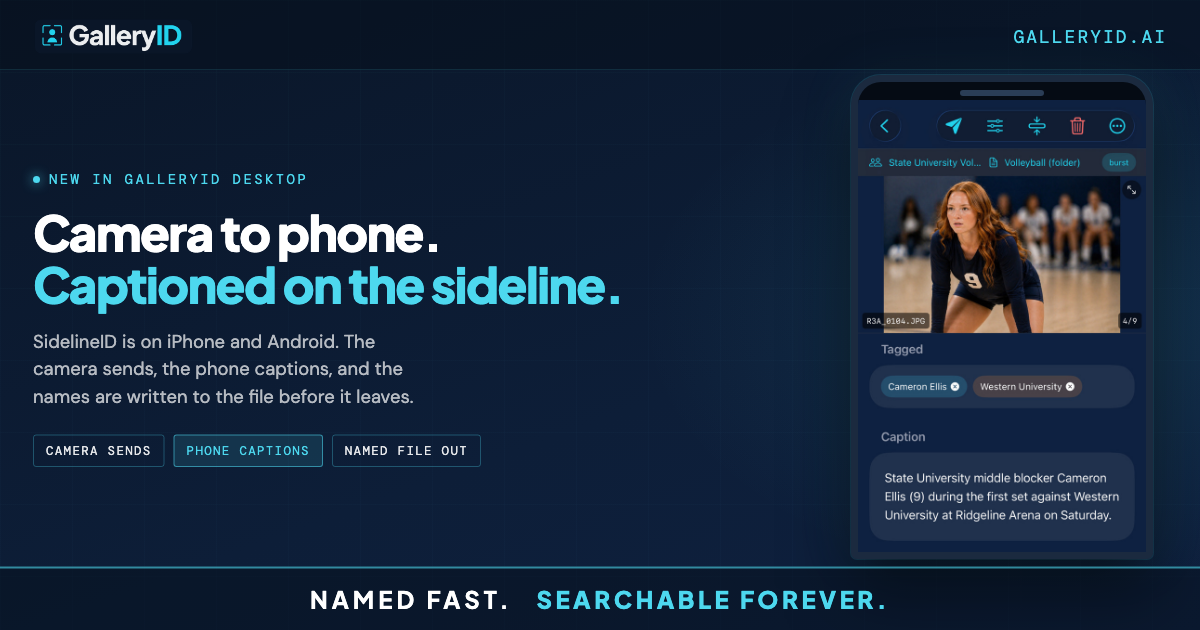
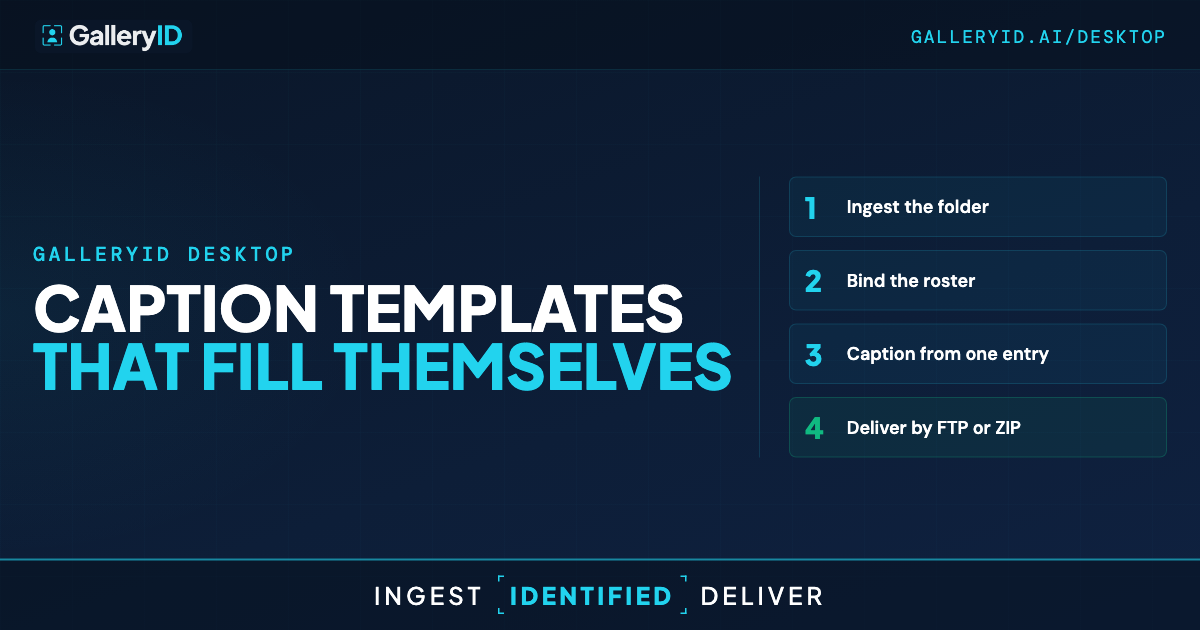
Desktop runs the rest of the day too, on macOS 12+ and Windows 10/11: card ingest, culling with blur and soft-focus flagging, captioning from a roster bound to the folder, crop and tone, and FTP delivery. RAW is supported end to end across 15 formats. Your existing Photo Mechanic code replacement values keep working, so if you're staying on standard Photo Mechanic for the cull, nothing gets taken away.
What the Catalog is not. It isn't a raw developer, and it isn't an editing catalog like Lightroom's. Nothing has to be imported before you can work. It's the browse-and-search layer over drives you organise yourself, which is the part of Photo Mechanic Plus people actually say they miss.
Why We Don't Sell a Perpetual License
Fair question to ask a subscription product in a post about a discontinued one. The honest answer is that we didn't want to sell you a word that stops being true. A one-time price has to stop funding updates at some point, and the day it does, the clock starts on your operating system. Calling that perpetual sets someone up to feel tricked years later, when the terms are long forgotten and the only thing they remember is the word on the invoice.
GalleryID Desktop is $20 a month, or $200 a year, for your first computer. New camera formats, new OS versions and new features are included for as long as you're subscribed. You can read that in one line and know exactly what you're getting and for how long, which is the whole point. The subscription isn't a payment plan. It's the update policy.
If You're Still Running Plus Today
Do one thing this week: confirm your names and captions are actually in the files. Open a few frames from different seasons in any tool that shows IPTC and XMP, and look at the caption and Persons Shown fields. If the data's there, you have time and you have options. If a stretch of your archive was tagged only inside the catalog, that's the part to deal with first, while the software still opens.
Then index a single drive somewhere new and search it. One drive tells you whether the next tool can carry the archive, and it's a much smaller decision than moving everything at once.
Frequently Asked Questions
Is standard Photo Mechanic going away too?
No. Camera Bits stated that standard Photo Mechanic is unaffected and continues to be developed. Only Photo Mechanic Plus, the version with the catalog, was withdrawn from sale on March 2, 2026.
Do I have to export my Photo Mechanic Plus catalog before switching?
No. GalleryID Desktop's Catalog reads the files on your drives, not another product's database. Point it at the same drives and it indexes what's there, including the captions, keywords and names already written into IPTC and XMP.
Will my code replacement tagging carry over?
Yes, automatically, because it was never only in the catalog. Code replacement wrote that text into the photo's metadata fields. The Catalog reads what's embedded, so years of captioning are searchable once indexing finishes. Your existing code replacement values also still work inside Desktop if you want to keep using them.
How long can I keep running Photo Mechanic Plus?
Camera Bits said existing users keep it for as long as it remains stable on their current operating system. In practice that ties the software's life to your next major macOS or Windows update, which is a date you don't set. It's worth having a plan before that lands rather than after.
Is the Catalog a replacement for Lightroom?
No. It's a browse-and-search layer over drives you organise yourself, not an editing catalog and not a raw developer. Nothing has to be imported before you can work, and removing an item never touches the source file. Adobe Lightroom and Capture One still do the developing.