When the Number Isn't in the Frame
You captured the game-winning catch from the end zone. Sharp focus, full emotion, the moment everyone wants. Then you go to caption it and the jersey number is half blocked by a defender's arm. The angle is wrong. The player is facing away. The number is there in theory but not in the file.
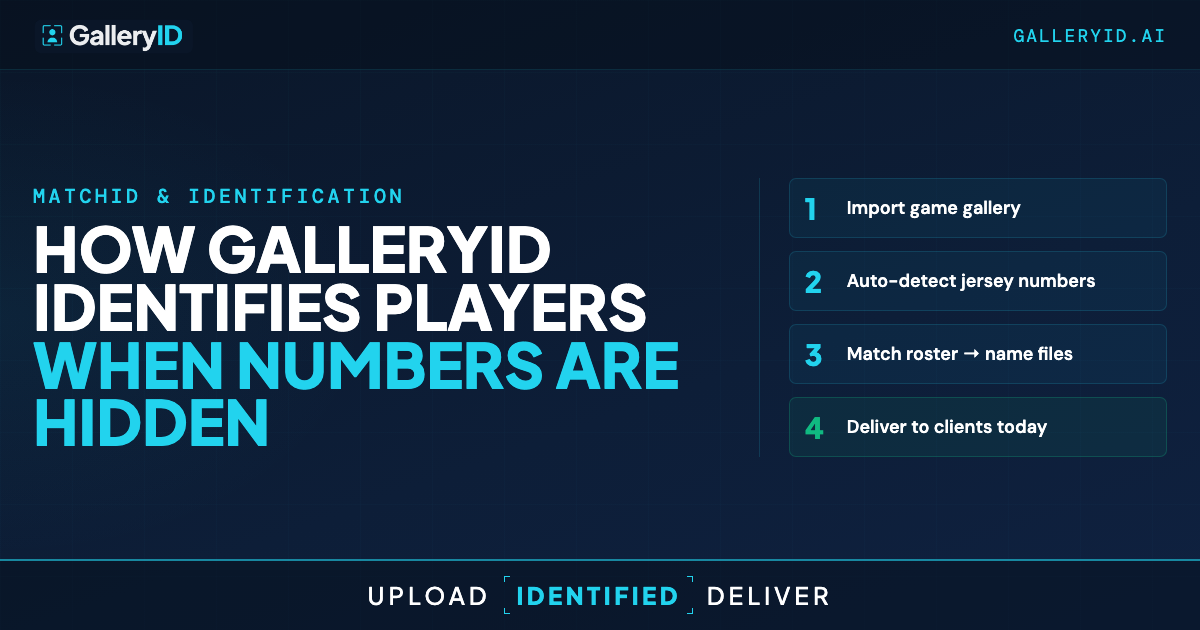
Tools that rely on visible jersey numbers stall on those frames. They either skip the photo, flag it for manual review, or guess wrong. GalleryID handles it differently. MatchID runs face recognition against the headshots you uploaded with the roster, so the photo gets tagged when the face is visible regardless of where the number is.
Here's how that workflow holds up across sports, what jersey color does when both teams are uploaded, and where you still need a quick review.
Why Jersey-Number-Only Tools Stall on Real Galleries
A full game produces a lot of frames where the number simply isn't readable. Tight portraits with the back hidden. Sideline reactions. A driving-to-the-rim crop where the player has turned the number away from the lens. A football photo where a defender's arm crosses the digits at exactly the wrong moment.
Tools that only read the number leave those frames untagged. Some of them are the best photos of the night. Manual review fills the gap, but it's slow and you're doing it after midnight when the deadline is already pressing.
The fix isn't a better number reader. It's leaning on a signal that's still there when the number isn't. Player face recognition identifies the athlete from facial features matched against the roster headshots, regardless of jersey angle.
How Player Face Recognition Handles Blocked Numbers
When you set up the season, you upload one headshot per athlete with the roster. MatchID indexes those headshots at roster upload time. Each gallery from that point checks faces in the photos against the roster index, scopes the candidate pool to that gallery, and returns matches with a confidence score.
Jersey color makes that pool smaller. When both teams' rosters are uploaded for the gallery, MatchID detects the jersey color in each photo, matches it to one of the two team uniforms, and narrows face matching to just that team's players. Smaller pool, higher confidence, fewer cross-team mistakes.
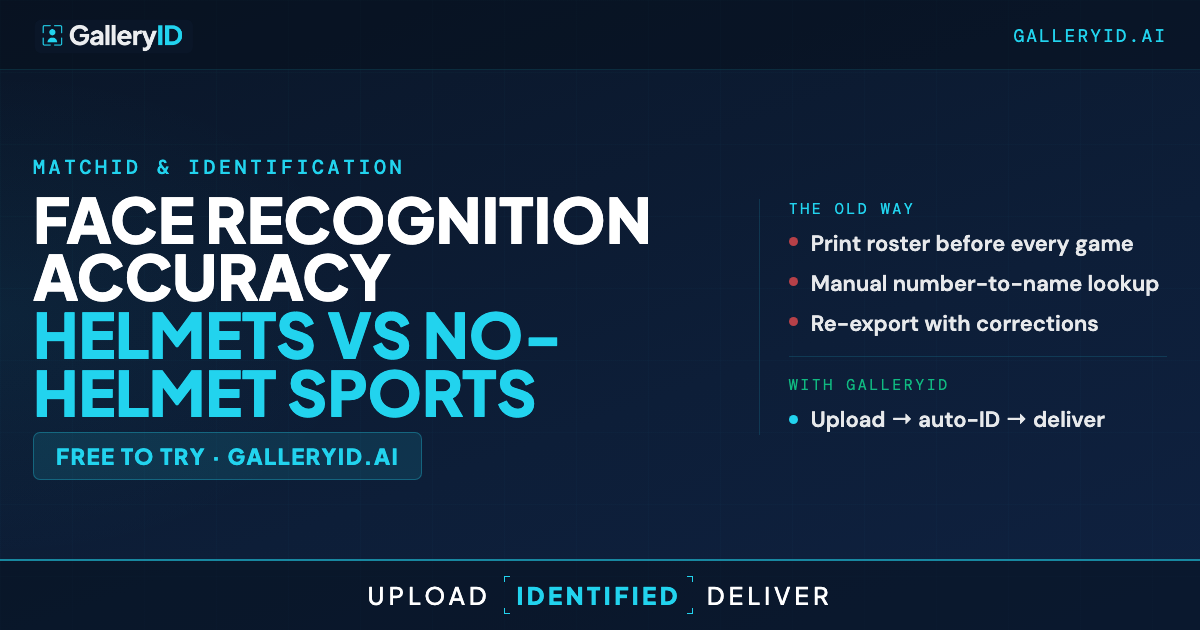
For face-visible sports like basketball, soccer, volleyball, and baseball, accuracy holds up well on clear frames and falls off on motion blur, sweat, and extreme angles. Helmeted sports are harder. Face recognition still picks up sideline shots, bench frames, and helmet-off moments. Action frames where the helmet covers the face go to the confidence-flagged review queue where the photographer confirms the match.
What the Tagged Gallery Looks Like for Photographers
Once player face recognition runs across the gallery, the photographer reviews flagged matches, approves what's right, and corrects what isn't. The high-confidence matches are already in. The whole pass takes a fraction of the time manual tagging would.
After review, approved names embed into the XMP metadata. IPTC PersonInImage, headline, and caption. The names travel with the file. Drop the photo into Photo Mechanic, Lightroom, or Capture One and the identification is already there. Use the XMP workflow as the bridge between MatchID and your editing software.
For multi-team programs, the time savings compound across the season. Each team's headshots index once and carry through the full season. The next game, the matching is faster because the roster's already in place. Soccer photographers also get help from jersey color when shorts numbers are hidden, which is a common soccer-specific gap.
The Workflow Shift Worth Making
Photographers who lean on player face recognition spend post-game time on selects and culling instead of manually tagging the photos a number reader couldn't match. The pass through the confidence queue is quick because the easy ones are already done.
Your roster does the work. GalleryID does the matching.
Frequently Asked Questions
How accurate is player face recognition?
Accuracy holds up well on clear headshots and good lighting and falls off on motion blur, sweat, and extreme angles. Confidence scoring auto-approves high-confidence matches and flags uncertain ones for review, so you correct the few that need correcting instead of validating the ones that are already right.
What do I upload at season setup?
Upload the roster with an indexed photo for each player. One headshot per athlete is enough for the full season, and you can update the roster if numbers or rosters change.
How does jersey color help when the number isn't readable?
When you upload both teams' rosters for the gallery, MatchID detects the jersey color in each photo and narrows face matching to the team wearing that color. Smaller candidate pool means higher confidence on the face match and far fewer cross-team mistakes.
What about helmet sports where the face is covered?
Face recognition still picks up sideline shots, bench frames, and helmet-off moments. Action frames with the helmet covering the face go to the confidence-flagged review queue where the photographer confirms the match. Be honest with yourself: helmet sports are harder than face-visible sports.
Where do the approved names end up?
Embedded in the XMP metadata of the downloaded file. IPTC PersonInImage, headline, and caption fields. The names ride along with the file into Photo Mechanic, Lightroom, Capture One, and Photoshop without you having to re-tag.